Apps / Stick 'n Snap
Sticker camera for AndroidStick 'n Snap
Snap a photo, cover it with cute stickers, and save it to the gallery. All 16 packs are free. Built for small hands, with a parent nearby. Now on Google Play.
Get it on Google PlayScreenshots
The app
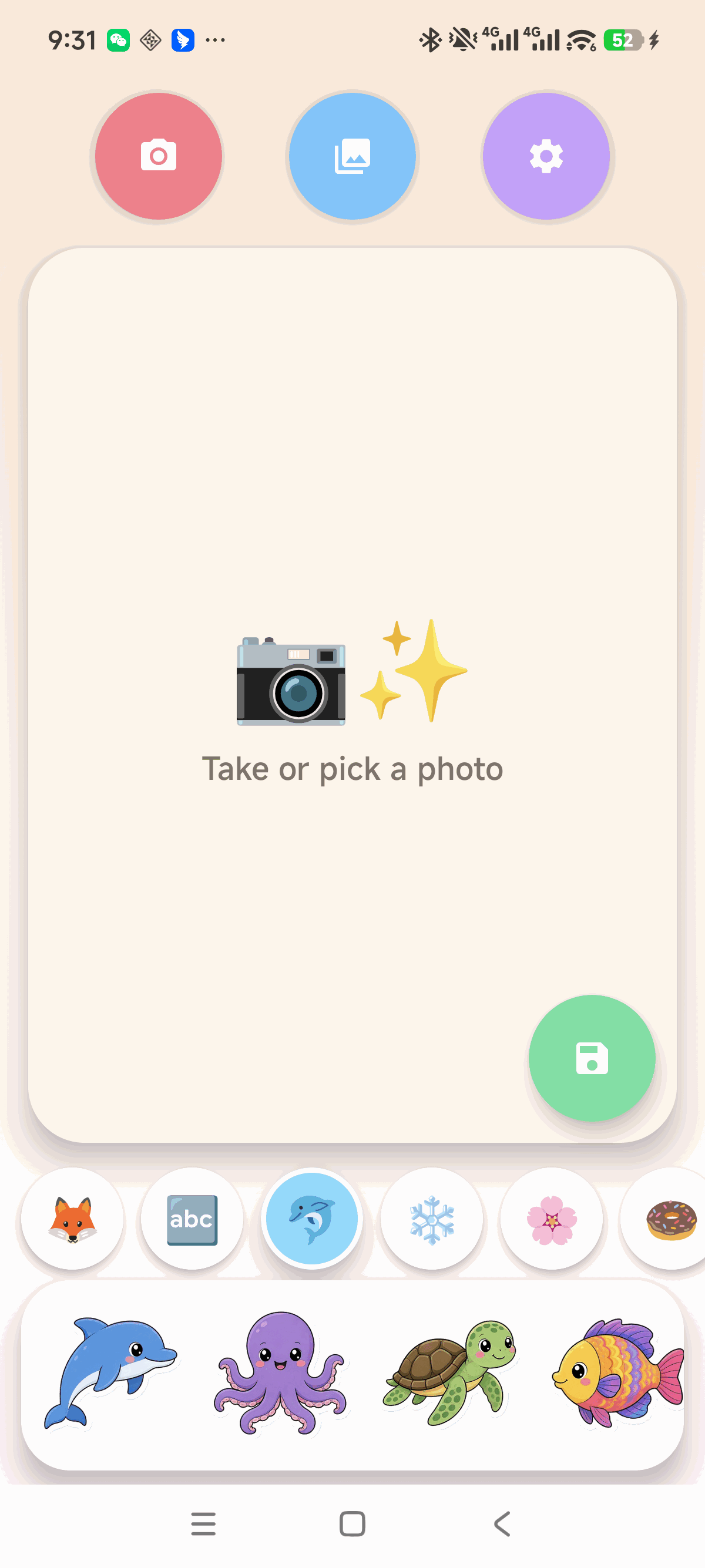
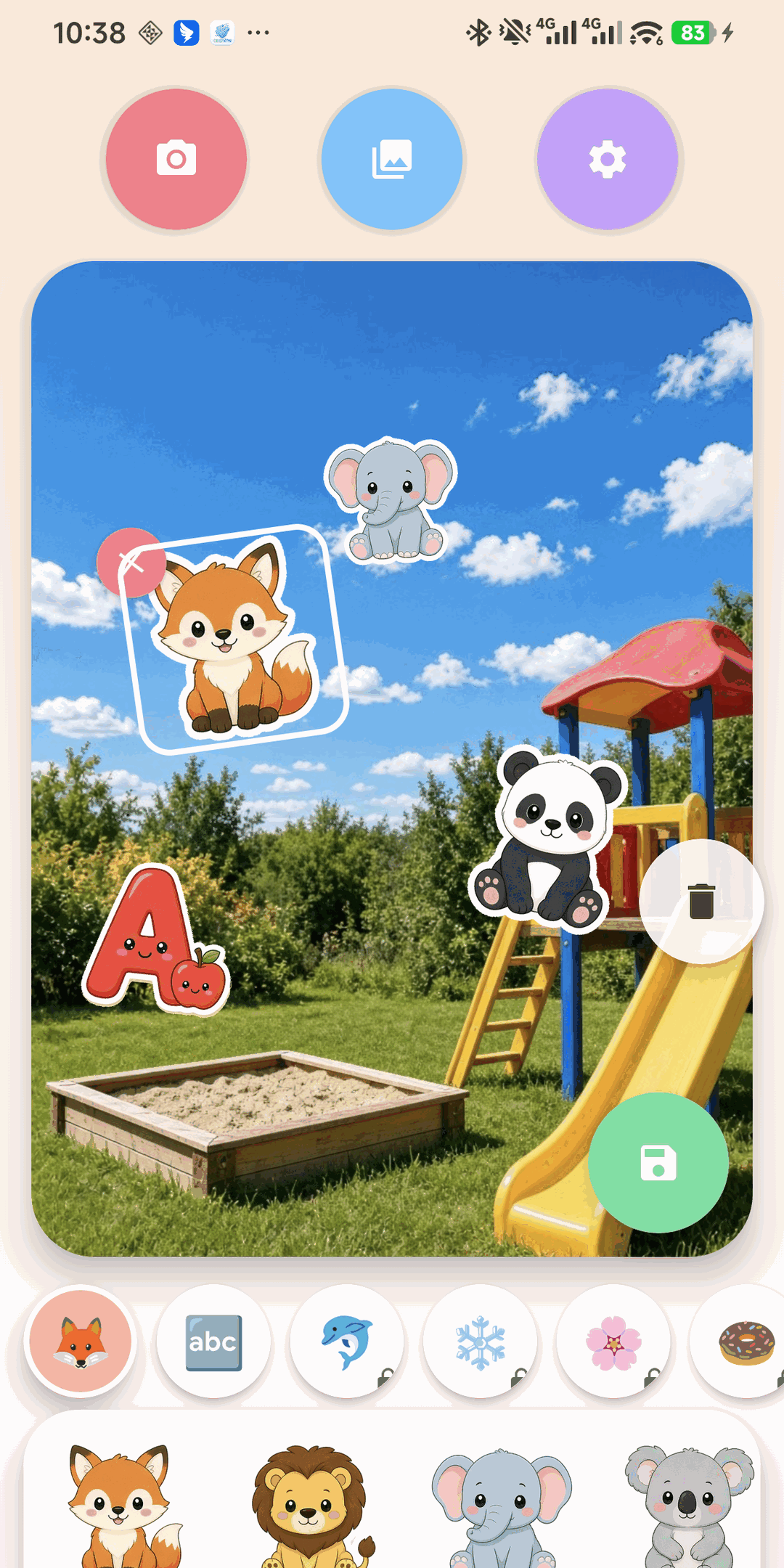
Stick 'n Snap turns any photo into a sticker page. Open the camera or the gallery, tap a sticker to drop it on the picture, and move it with a finger. Two fingers resize and rotate it. Swap the photo underneath and the stickers stay where they are. Save the finished picture to the phone gallery.
16 sticker packs
Animals, ABC, Ocean, Winter, Garden, Yummy food, Vehicles, Space, Dinos, Weather, Sports, Music, Fairy tale, Farm, Party, and Hearts. 128 cartoon stickers with a thick die-cut border.
For small hands
Big round buttons, very little text, and bright pastel colors. Made for children ages 4 to 10 playing with a parent.
Photos stay home
Pictures are edited and saved on the phone. Stick 'n Snap does not upload children's photos to any server.
Six languages
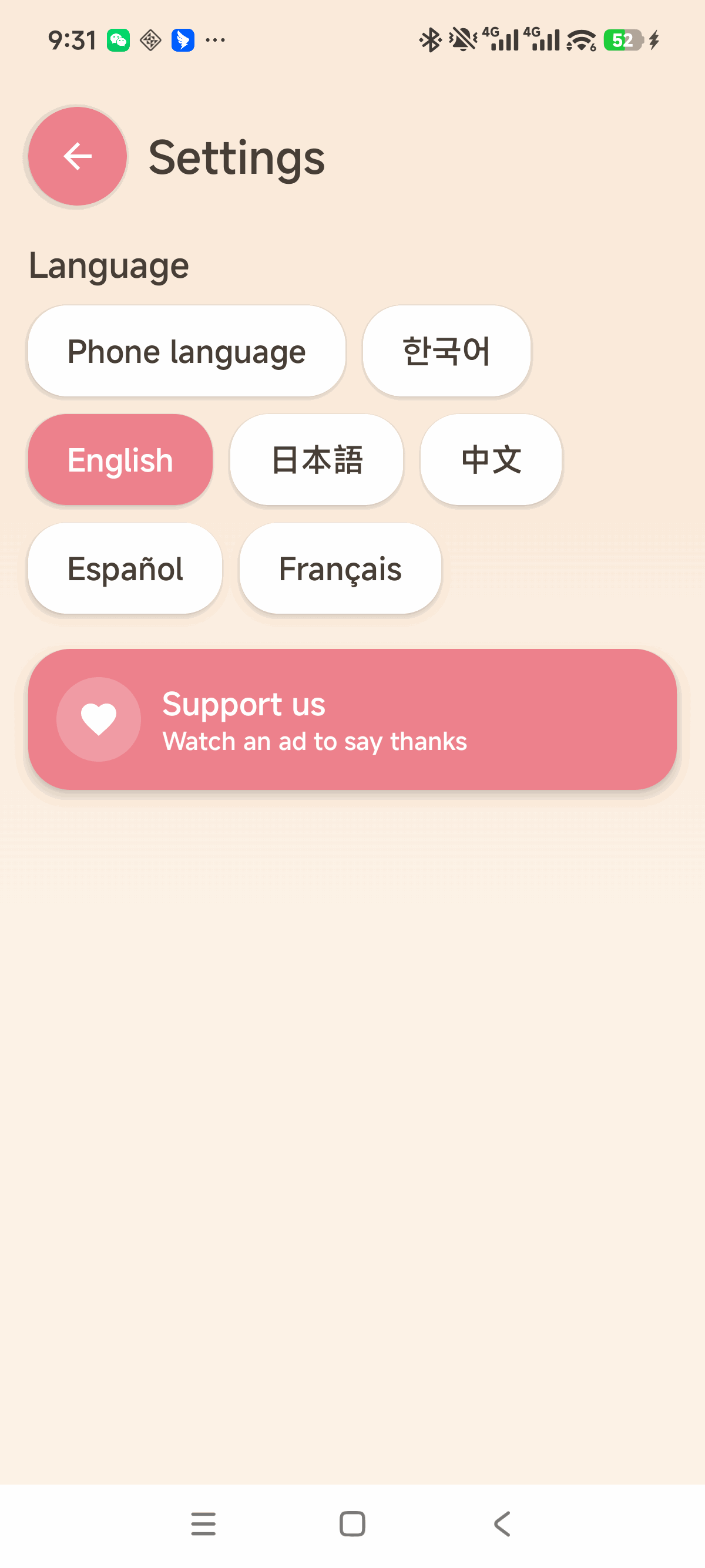
The app follows the phone language. You can also pick Korean, English, Japanese, Chinese, Spanish, or French in Settings.
No ads while playing
Every pack is open from the start. There are no ads on the sticker screen and nothing to buy. Settings has one optional Support us video for parents. It is requested as child-directed and rated G.
Free on Google Play. Every pack is free. Rated Everyone. Google Play · Privacy policy