Apps / AsleepRemote
Android app by TJDAXAsleepRemote
Turn your phone into a Bluetooth touchpad, keyboard, and air mouse for your PC.
Get it on Google PlayScreenshots
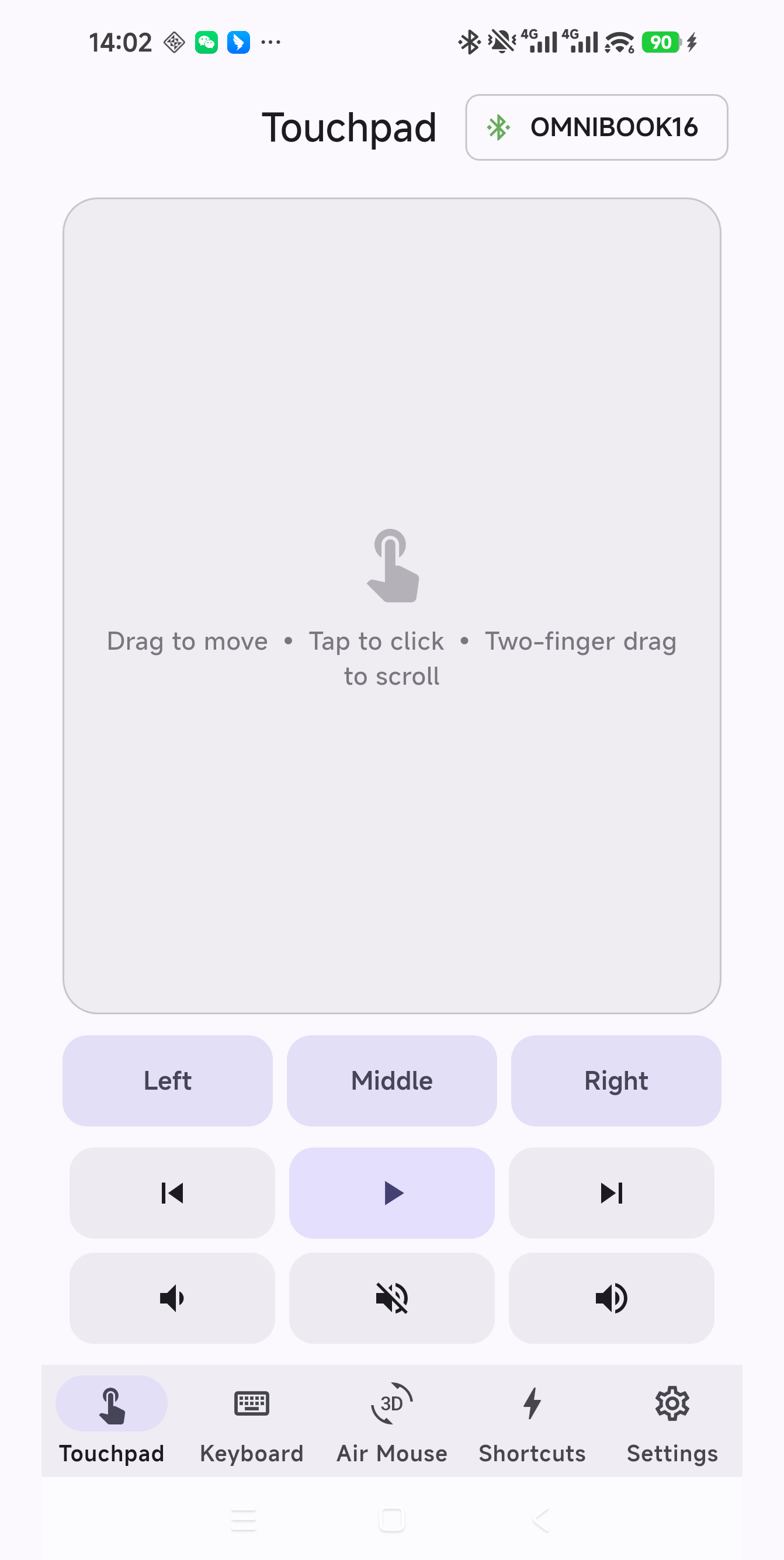
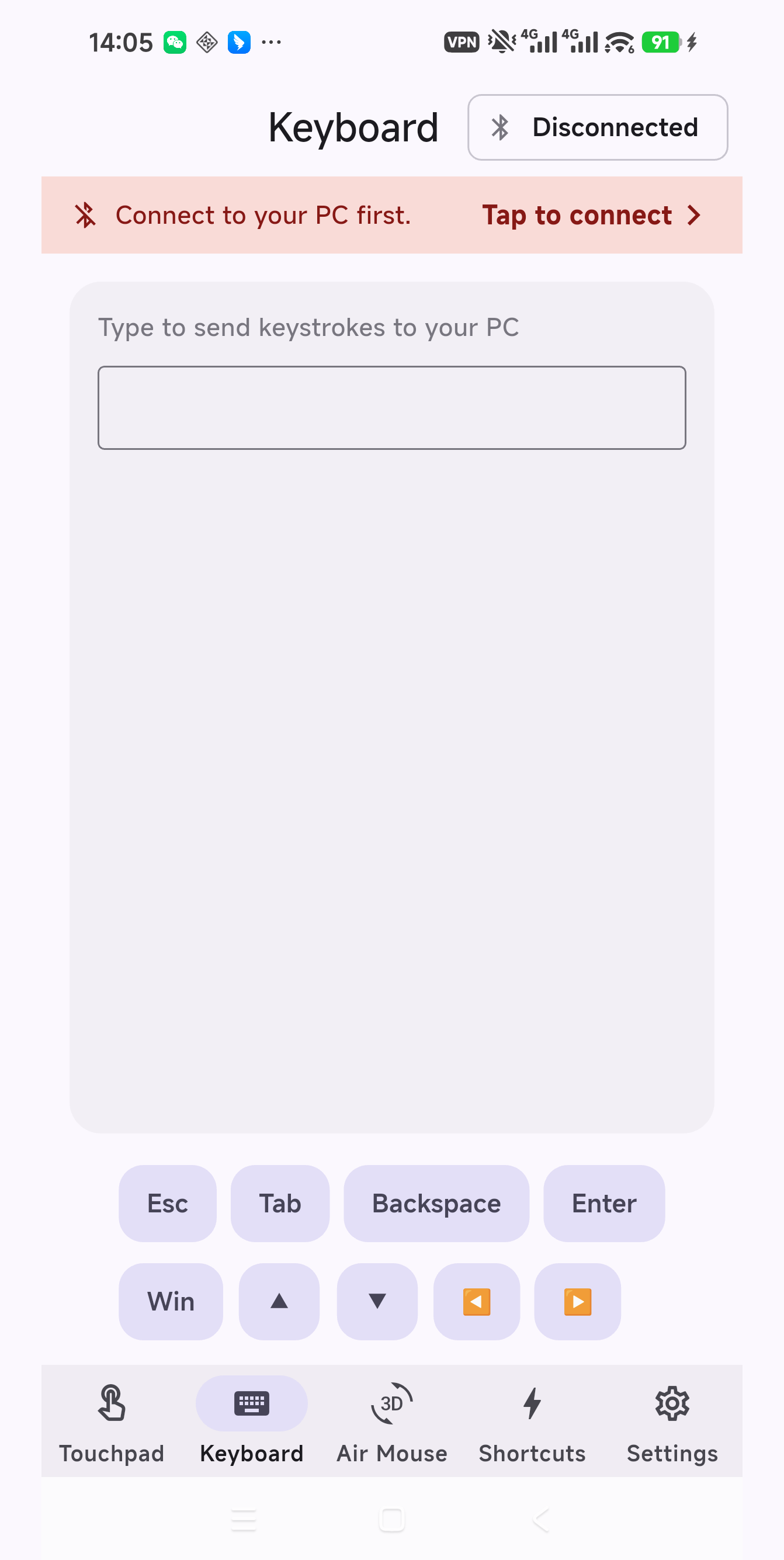
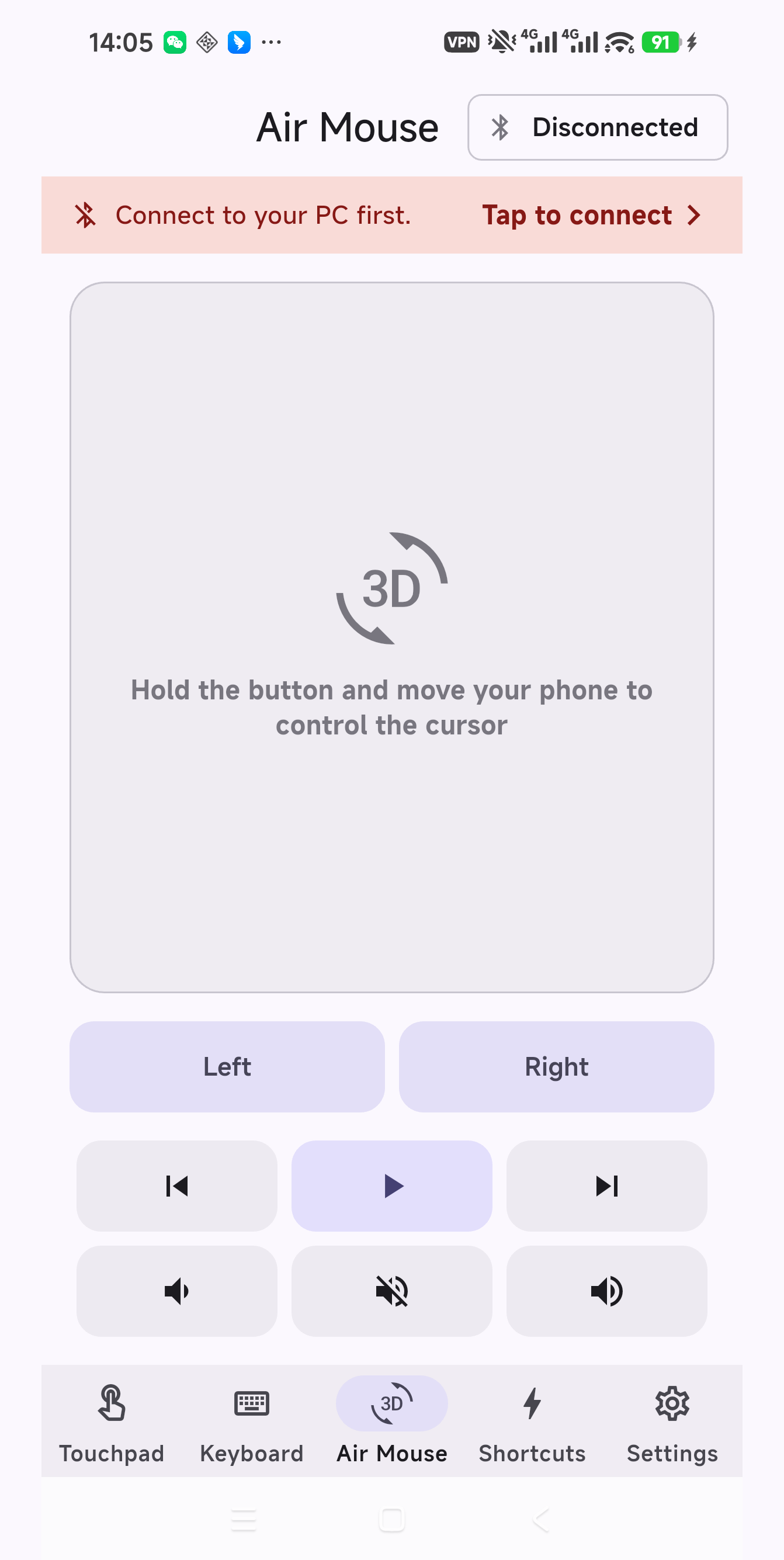
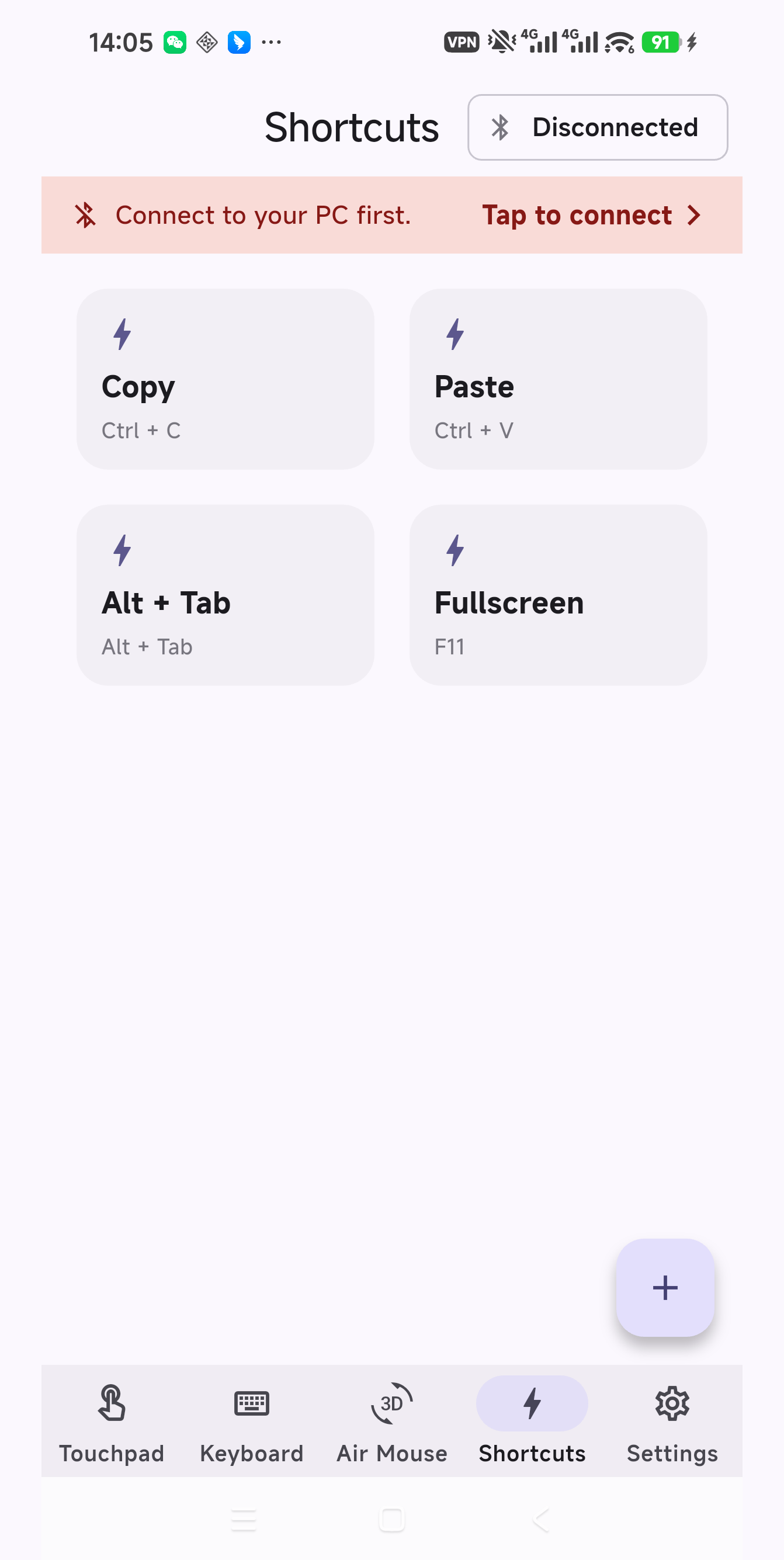
The app
AsleepRemote lets you control your PC from your phone, the way a TV remote controls a television. The phone connects over Bluetooth as a keyboard and mouse, so there is nothing to install on the PC. Pair it in your PC's Bluetooth settings and you can start.
Touchpad
Move the cursor, tap to click, scroll with two fingers, and use left, right, and middle buttons.
Air mouse
Point and move the cursor with your phone's motion sensors.
Keyboard
Type on your PC with the keyboard on your phone.
Media remote
Play, pause, skip, go back, mute, and change the volume.
Shortcuts
Build your own Ctrl, Alt, Shift, and Windows key combinations.
Requirements
Android 9 or higher with Bluetooth HID, and a Bluetooth PC. Windows is recommended.
Free to download. Remove ads with a one-time in-app purchase. Privacy policy
Support
Questions about AsleepRemote: